
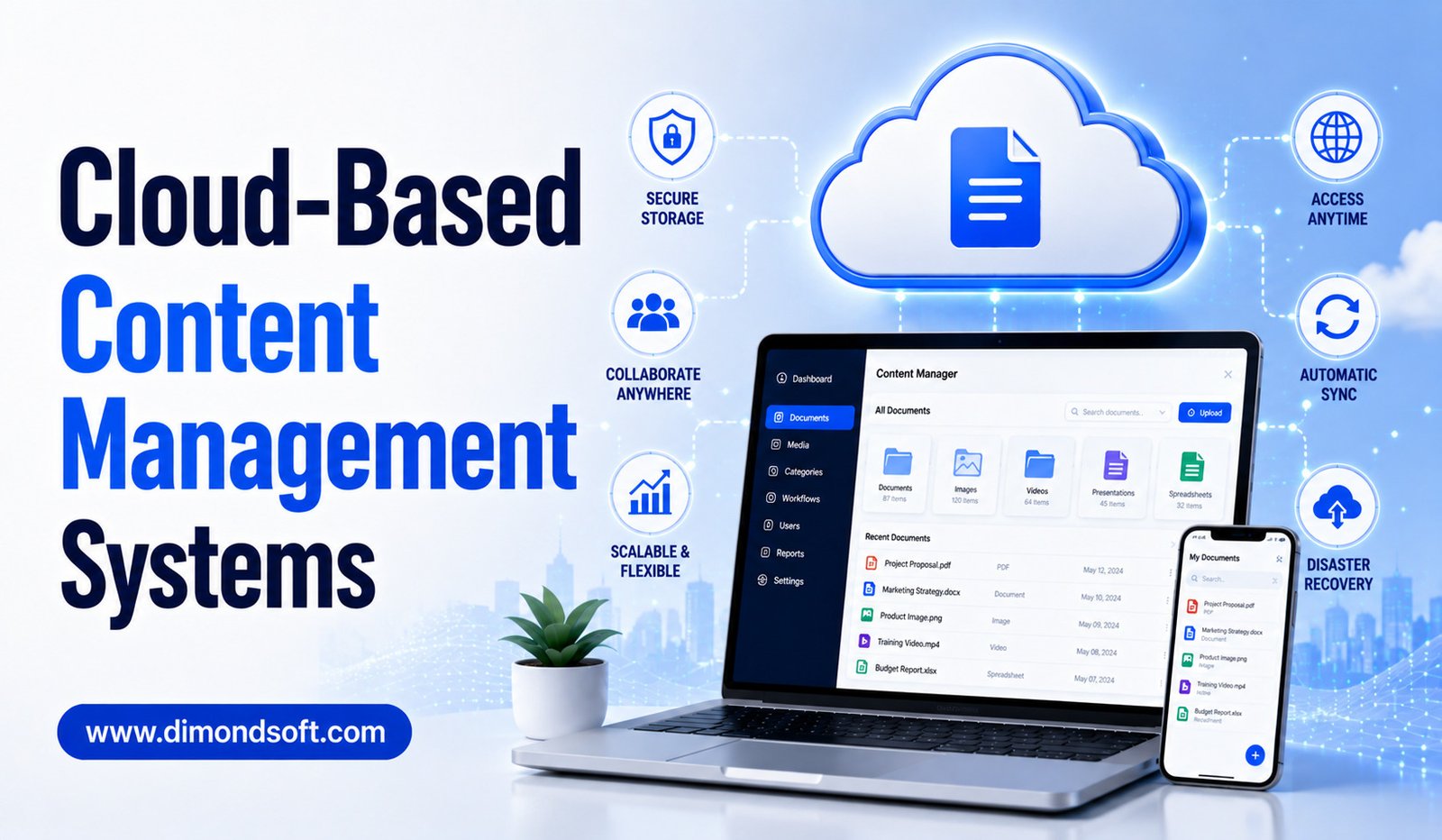
Businesses are producing and managing more digital content than ever. Websites, blogs, product pages, images, videos, documents, customer resources, and internal information all need to be created, organized, updated, and shared regularly. Managing this content through local servers or disconnected applications can make collaboration difficult, especially when employees work from different locations.
Cloud-based content management systems have emerged as a practical solution. They allow businesses to manage digital content through internet-connected platforms rather than relying entirely on software and infrastructure maintained on local computers or office servers.
A cloud CMS can provide centralized content management, remote access, collaboration tools, automated updates, security controls, integrations, and scalable infrastructure. These capabilities make cloud-based platforms attractive to businesses of different sizes, from small companies managing a single website to large organizations operating multiple digital properties.
However, moving content management to the cloud also introduces considerations around security, cost, vendor dependence, data protection, and system performance. Understanding the advantages and limitations can help businesses determine whether a cloud-based CMS is the right choice.
What Is a Cloud-Based CMS?
A cloud-based content management system is a platform that allows users to create, manage, store, and publish digital content using cloud infrastructure.
Unlike traditional systems that may depend heavily on servers maintained by an organization, cloud CMS platforms are generally hosted by a service provider. Users access the system through a web browser or other connected applications.
The provider typically manages much of the underlying infrastructure, including servers, storage, system maintenance, and software updates.
Depending on the platform, a cloud CMS can support website content, digital assets, ecommerce information, documents, knowledge bases, and other forms of digital information.
The exact features vary between providers, but the central idea is the same: content management becomes accessible through a remotely hosted environment.
Why Businesses Are Moving to Cloud CMS Platforms
Traditional content management can require businesses to purchase and maintain servers, install software, manage updates, and handle infrastructure problems internally.
This approach can work for organizations with dedicated IT teams, but it may be unnecessarily complicated for smaller businesses.
Cloud platforms shift much of the infrastructure responsibility to the provider. Teams can access their CMS from different locations without maintaining the same level of physical infrastructure.
This is particularly useful for organizations with remote or hybrid employees.
Cloud-based systems also make collaboration easier because employees can work within a shared environment rather than exchanging files and updates through email.
Accessibility From Anywhere
One of the biggest advantages of a cloud CMS is accessibility.
Authorized employees can typically access the platform from offices, homes, or other locations using an internet-connected device.
This can be valuable for businesses with distributed teams. A marketing employee can update a webpage from home, while a manager in another location can review and approve the content.
Remote access also makes it easier for businesses to operate across different regions.
Instead of restricting content management to computers connected to an office network, organizations can provide controlled access to employees wherever they work.
Better Team Collaboration
Content management is rarely handled by one person.
Writers, editors, designers, marketers, developers, product managers, and executives may all participate in the publishing process.
Cloud CMS platforms provide a centralized environment where different users can work on content according to their responsibilities.
Permissions can help determine who can create, edit, review, approve, or publish material.
Version history can also help teams understand what changes have been made and restore earlier versions when necessary.
This reduces confusion and makes collaboration more structured.
Centralized Content Management
A business may have information spread across local computers, shared drives, email accounts, and separate applications.
This fragmentation makes it difficult to determine which version of a document or webpage is current.
A cloud CMS can provide a central location for managing content.
Instead of storing information across disconnected systems, teams can organize content within a common platform.
Centralization can improve consistency and make it easier for employees to locate information.
It can also simplify administration because content managers have a clearer view of the organization’s digital assets.
Easier Software Maintenance
One of the practical advantages of many cloud-based platforms is that the provider manages much of the software infrastructure.
Businesses may not need to manually install every system update or maintain physical servers.
Automatic updates can help organizations access new features and security improvements without requiring extensive internal IT work.
However, businesses should understand how updates are handled before selecting a platform. Some providers offer automatic upgrades, while others may provide different levels of control.
Understanding the provider’s maintenance model is important for organizations with strict operational requirements.
Scalability for Growing Businesses
A website that works for a small business today may need to handle significantly more traffic and content in the future.
Cloud infrastructure can provide greater flexibility as organizations grow.
Businesses may add more content, users, websites, digital assets, or traffic without necessarily purchasing and installing new physical servers themselves.
The level of scalability depends on the specific provider and plan, so companies should review technical limits and pricing structures carefully.
For growing organizations, scalability can be an important reason to consider cloud-based content management.
Integration With Other Business Tools
Modern businesses rarely use a CMS by itself.
A website may need to connect with CRM software, email marketing platforms, analytics tools, ecommerce systems, payment services, customer support applications, social media platforms, and project management software.
Cloud CMS platforms often provide APIs, connectors, plugins, or built-in integrations that allow content to move between systems.
For example, product information can be connected to an ecommerce platform, while customer data can be used to support personalized experiences.
Strong integration capabilities can reduce manual data entry and create more connected digital workflows.
Cloud CMS and Artificial Intelligence
Artificial intelligence is becoming an increasingly important component of content management.
Cloud-based platforms can integrate AI features for content generation, editing, summarization, translation, metadata creation, search, personalization, and content recommendations.
AI can help employees perform repetitive tasks faster.
For example, a content manager might use AI to generate a summary of a long article or recommend tags for a new webpage.
Some systems can also analyze content and identify potentially outdated information.
However, businesses should not assume that AI-generated results are automatically accurate. Human review remains important, particularly for factual, technical, financial, legal, or sensitive information.
Security in Cloud-Based Content Management
Security is one of the most important considerations when adopting a cloud CMS.
Businesses need to understand how their content is protected and who can access it.
Important security capabilities may include encryption, user permissions, authentication, activity monitoring, backups, and security updates.
Organizations should also establish internal access policies. Employees should receive only the level of access necessary for their roles.
A secure cloud platform can still become vulnerable if users share passwords, configure permissions incorrectly, or fail to protect administrator accounts.
Security is therefore a shared responsibility between the cloud provider and the organization using the system.
Data Privacy and Compliance
Cloud CMS platforms may store business information, customer data, employee information, and other sensitive material.
Businesses should understand where their data is stored, how it is processed, and what privacy controls are available.
Organizations operating in regulated industries may have additional requirements related to data retention, access records, data residency, and compliance.
Before selecting a provider, businesses should review relevant policies and contractual terms.
It is important to ensure that the platform’s capabilities match the organization’s legal and regulatory obligations.
Cloud CMS vs. Self-Hosted CMS
A self-hosted CMS gives an organization more direct control over its hosting environment. The company or its chosen hosting provider manages infrastructure, software updates, backups, security, and technical configuration.
A cloud CMS typically reduces this infrastructure burden.
The choice depends on business requirements.
A self-hosted system may appeal to organizations that require extensive customization and control. A cloud platform may be more attractive to businesses that prioritize convenience, scalability, remote accessibility, and reduced infrastructure management.
Neither approach is automatically better for every organization.
Potential Challenges of Cloud CMS Platforms
Cloud-based systems offer many advantages, but they also have limitations.
Internet connectivity becomes important because users generally need network access to reach the platform.
Vendor dependence is another consideration. If a company becomes heavily dependent on a particular provider, moving to another CMS later may require significant time and resources.
Subscription costs can also increase as the number of users, storage requirements, traffic levels, or advanced features grow.
Businesses should therefore evaluate long-term costs instead of focusing only on introductory pricing.
Vendor Lock-In
Vendor lock-in occurs when it becomes difficult or expensive to move content and functionality from one platform to another.
This can happen when a business relies heavily on proprietary features, custom integrations, or specialized data structures.
Before adopting a cloud CMS, companies should understand how easily content can be exported.
It is also useful to examine whether the platform provides APIs and standard data formats.
Planning for portability does not mean expecting to change providers immediately. It simply reduces unnecessary dependence on a single technology vendor.
Performance and Reliability
Website performance is important for both visitors and employees.
A cloud CMS should provide reliable infrastructure capable of supporting expected traffic levels.
Businesses should examine uptime commitments, content delivery capabilities, caching options, and performance tools.
A provider with strong infrastructure can reduce the burden of maintaining server performance internally.
However, businesses should also consider factors outside the CMS itself. Poorly optimized images, excessive scripts, inefficient plugins, and badly designed pages can still affect website speed.
Cost Considerations
Cloud CMS pricing can vary significantly.
Some platforms use monthly or annual subscriptions, while others charge according to users, storage, traffic, features, or usage.
Businesses should calculate the total cost of ownership.
Consider subscription fees, premium features, integrations, professional services, migration, training, and potential development expenses.
A cloud platform that appears inexpensive initially may become more expensive as usage increases.
At the same time, a higher-priced platform may eliminate infrastructure and maintenance costs that would otherwise require internal resources.
How to Choose a Cloud CMS
Businesses should begin by identifying their actual requirements.
Consider the type and volume of content being managed, number of users, expected traffic, required integrations, security needs, publishing workflows, ecommerce requirements, and future growth.
Ease of use should also be evaluated.
A powerful CMS is not useful if employees struggle to navigate it.
Businesses should request demonstrations or trials and allow actual users to test common tasks such as creating pages, uploading media, editing content, approving changes, and publishing updates.
This practical testing can reveal problems that are not obvious from feature lists.
Best Practices for Cloud CMS Adoption
Successful implementation requires more than choosing software.
Businesses should establish clear content structures before migration. They should define user roles, permissions, naming conventions, publishing workflows, and review schedules.
Employees should receive training so they understand how to use the system securely and efficiently.
It is also useful to review content before migration. Old, duplicated, or unnecessary information does not need to be moved simply because it exists.
A carefully planned migration can create a cleaner and more manageable digital environment.
The Future of Cloud-Based Content Management
Cloud CMS platforms are likely to become increasingly intelligent and connected.
AI-powered search, automated workflows, personalized content, predictive analytics, and intelligent content organization can make cloud platforms more capable.
Headless architecture is also becoming important for organizations that need to deliver content across websites, mobile applications, ecommerce platforms, and other digital channels.
As businesses operate across more digital touchpoints, centralized cloud-based content management can provide a foundation for coordinating information across those experiences.
The future is likely to involve greater automation, but human oversight will remain essential for quality, security, governance, and strategic decisions.
Conclusion
Cloud-based content management systems provide businesses with a flexible way to create, organize, publish, and manage digital content without relying entirely on locally maintained infrastructure.
Remote accessibility, centralized content, collaboration, scalability, integrations, automated maintenance, and AI capabilities can make cloud CMS platforms attractive to modern organizations.
However, businesses must carefully consider security, privacy, vendor dependence, pricing, performance, and long-term scalability before selecting a provider.
The right cloud CMS should fit the organization’s current requirements while providing room for future growth. Businesses should evaluate platforms based on real workflows rather than simply choosing the one with the longest feature list.
As digital operations continue to expand, cloud-based content management will remain an important part of modern website and content strategies. When supported by clear governance, appropriate security practices, and well-defined workflows, a cloud CMS can help businesses manage information more efficiently and deliver better digital experiences.