A business website is more than an online brochure. It can generate leads, support customers, sell products, publish educational content, communicate with employees, and strengthen a company’s brand. As businesses expand their digital presence, managing all this information can become difficult without the right technology.
A Content Management System (CMS) makes website management easier by providing tools to create, edit, organize, publish, and maintain digital content. Instead of depending on developers for every small update, employees can often manage pages, blog posts, images, documents, and other content through a centralized interface.
However, choosing a CMS is not simply about selecting the most popular platform. Different businesses have different requirements. A small local company may need a simple website builder, while an ecommerce company may prioritize product management and payments. A large organization may require advanced permissions, integrations, workflows, and security.
The right CMS should support your current needs while giving your business enough flexibility to grow. This guide explains the most important factors to consider before making a decision.
What Is a CMS?
A content management system is software that allows users to create and manage digital content without manually building every page with code.
A typical CMS can help users create website pages, publish articles, upload images, organize content, manage users, and control publishing.
Modern platforms can provide much more. Depending on the system, businesses may get SEO tools, ecommerce functionality, analytics, marketing automation, customer management, personalization, artificial intelligence, and integrations with other applications.
The purpose of a CMS is to make content operations more manageable while giving businesses control over their digital presence.
Start With Your Business Goals
The first step in choosing a CMS is understanding what you want your website to accomplish.
A business that primarily needs an informational website has different requirements from an online retailer.
Ask yourself what the website needs to achieve. Do you want to generate leads? Sell products? Publish a large content library? Provide customer support? Manage memberships? Offer online bookings?
Your goals should determine the features you prioritize.
For example, an ecommerce business needs strong product and transaction capabilities, while a consulting company may focus more on service pages, lead-generation forms, blogging, and SEO.
Choosing software before defining these objectives can result in paying for features you do not need or discovering later that important functionality is missing.
Consider the Type of Content You Manage
Not all websites contain the same kind of information.
Some businesses mainly manage text and images. Others work with product catalogs, videos, technical documentation, downloadable resources, customer accounts, or location-specific information.
Think about what content you currently manage and what you expect to add in the future.
If your business plans to create hundreds or thousands of pages, content organization and search become particularly important.
A CMS should allow you to structure content logically so employees can find and update information without unnecessary effort.
Evaluate Ease of Use
A CMS can have hundreds of features, but they provide little value if your employees struggle to use them.
Ease of use should therefore be one of the most important evaluation criteria.
Consider how easily a non-technical employee can:
- Create a new page
- Edit existing content
- Upload images
- Publish blog posts
- Change page titles
- Update menus
- Add documents
- Schedule content
- Review previous versions
If everyday tasks require technical assistance, your team may become dependent on developers.
Ask for a demonstration or trial version before purchasing a platform. Have the people who will actually use the CMS test it rather than relying only on management evaluations.
Check Customization Options
Every business has different branding and functional requirements.
A CMS should provide enough flexibility to create a website that reflects your brand and supports your business processes.
Some platforms provide visual design tools and templates, while others offer extensive customization through themes, plugins, extensions, APIs, or custom development.
The right level of flexibility depends on your business.
A small business may prefer a straightforward system with limited customization because simplicity is more valuable than unlimited options.
A technology company or growing ecommerce business may require deeper customization.
Avoid paying for extreme flexibility if your team does not need it, but also avoid choosing a platform that will restrict you as the business grows.
Look at SEO Capabilities
Search engine optimization can be important for businesses that depend on organic traffic.
Your CMS should make basic SEO management straightforward.
Look for features that allow you to manage page titles, meta descriptions, URLs, headings, image information, internal links, structured data where appropriate, and XML sitemaps.
The platform should also support mobile-friendly pages and good technical performance.
However, remember that a CMS does not automatically make a website successful in search results. Content quality, search intent, authority, website performance, and overall SEO strategy remain important.
A CMS should make optimization easier rather than create unnecessary technical barriers.
Think About Website Performance
Website speed affects user experience and can influence how visitors interact with your site.
A CMS can affect performance through its architecture, plugins, themes, scripts, images, hosting environment, and database configuration.
When comparing platforms, investigate how they handle caching, image optimization, content delivery, and other performance-related features.
Do not assume that a platform will be fast simply because it has a modern interface.
Performance should be evaluated using realistic content and expected traffic levels.
Consider Security
Security is essential regardless of the size of your business.
Your website may contain customer information, employee accounts, business data, payment information, or other valuable assets.
When evaluating a CMS, examine how security updates are handled, how user permissions work, whether multi-factor authentication is available, and what backup options exist.
For self-hosted platforms, businesses may have greater responsibility for updates, plugins, hosting, and security configuration.
Hosted platforms generally manage more of the infrastructure for the customer, although businesses still need to configure accounts and permissions properly.
Security should be viewed as an ongoing process rather than a one-time feature.
Examine User Roles and Permissions
Not every employee should have the same level of access.
A CMS should ideally allow businesses to define different roles and permissions.
For example, writers may be able to create drafts, editors may approve content, and administrators may manage settings and users.
This reduces the risk of accidental changes and creates greater control over publishing.
Organizations with large teams or regulated content requirements should pay particular attention to workflow and permission capabilities.
Review Content Workflow Features
As your team grows, publishing can become a multi-step process.
An article may need to be written, edited, reviewed, approved, optimized, and published.
A CMS with workflow features can make this process more organized.
Look for capabilities such as drafts, approvals, scheduled publishing, version history, notifications, and content review processes.
A good workflow helps employees understand what needs to happen next and reduces dependence on email messages and spreadsheets.
Evaluate Ecommerce Requirements
If your business sells products or services online, ecommerce functionality needs to be a major consideration.
Determine whether you need product catalogs, shopping carts, payment processing, inventory management, discount codes, customer accounts, shipping tools, tax management, or subscription functionality.
Some CMS platforms are designed specifically for ecommerce, while others depend on plugins or integrations.
The best option will depend on how important online sales are to your business.
A company with a small online store may be comfortable adding ecommerce functionality to a general CMS. A large retailer may benefit from a platform built around ecommerce operations.
Check Integration Capabilities
Your CMS should not operate in isolation.
Businesses often rely on multiple applications for customer relationship management, email marketing, analytics, accounting, customer support, payments, advertising, and project management.
Check whether the CMS can integrate with the tools your business already uses.
APIs can also be important for companies that need to connect their website with custom applications.
Strong integration capabilities can prevent employees from manually moving information between systems.
Before choosing a CMS, create a list of your most important business applications and confirm that the platform can connect with them.
Consider Headless CMS Architecture
Traditional CMS platforms usually combine content management with website presentation.
A headless CMS separates the content management system from the presentation layer. Content can then be delivered through APIs to websites, mobile apps, digital displays, ecommerce experiences, and other channels.
This approach can be useful for organizations managing content across multiple digital platforms.
However, headless architecture can also require more technical expertise.
A small business with one website may not need this complexity. A company operating websites, mobile applications, and multiple digital experiences may find it valuable.
Choose architecture based on actual requirements rather than following technology trends simply because they are popular.
Explore AI Features
Artificial intelligence is becoming an increasingly common part of CMS platforms.
AI can assist with content creation, editing, SEO suggestions, image descriptions, search, personalization, translation, metadata, and other tasks.
For small content teams, these capabilities can reduce repetitive work.
However, AI should not be the only reason to select a CMS.
Evaluate whether the AI tools actually solve problems your business has. Also consider data privacy, human review, accuracy, and how the AI features integrate with existing workflows.
The most useful AI capabilities are those that improve productivity without removing necessary human oversight.
Think About Scalability
Your CMS should support your business as it grows.
A platform that works perfectly for a ten-page website may become difficult to manage when you have thousands of pages, multiple regions, languages, or business units.
Think about future requirements such as:
- More website traffic
- Additional content
- Multiple websites
- International expansion
- More employees
- New products
- Ecommerce
- Additional digital channels
You do not need to buy the most powerful system available today. Instead, select a platform that provides a reasonable path for expansion.
Compare Total Cost of Ownership
Price is an important factor, but the cheapest CMS is not necessarily the most affordable option in the long term.
Consider all potential expenses, including:
- Software subscriptions
- Hosting
- Premium themes
- Plugins and extensions
- Development
- Maintenance
- Security
- Training
- Migration
- Support
A platform with a low initial price may become expensive if it requires extensive development and maintenance.
Similarly, a higher-priced platform may provide integrated features that eliminate the need for several separate tools.
Calculate the total cost over several years rather than comparing only monthly fees.
Check Support and Community
Technical support can become extremely valuable when something goes wrong.
Review what type of assistance the provider offers. Options may include documentation, email support, live chat, phone support, professional services, or community forums.
Open-source platforms often benefit from large developer communities, while commercial platforms may provide direct vendor support.
Your team’s technical ability should influence how much support you need.
If you have limited technical expertise, reliable customer support may be worth paying more for.
Test Before You Commit
Never choose a CMS solely from a feature comparison table.
Whenever possible, test the platform before making a long-term commitment.
Create sample pages, upload images, change navigation, publish an article, test user permissions, and examine the analytics and SEO tools.
Ask employees from different departments to test the system as well.
A CMS that looks impressive in a sales presentation may feel complicated during everyday use.
A trial period can reveal usability problems before you invest significant time and money.
Common CMS Selection Mistakes
One common mistake is choosing a platform because it is popular rather than because it fits your business.
Another is focusing too heavily on design while ignoring security, performance, workflows, and scalability.
Some businesses also underestimate migration costs. Moving a large website from one CMS to another can require considerable planning, especially when URLs, content structures, images, SEO data, and integrations are involved.
Ignoring employees is another mistake. The people who will manage content every day should have a voice in the decision.
Create a CMS Evaluation Checklist
Before making a final decision, create a simple evaluation framework.
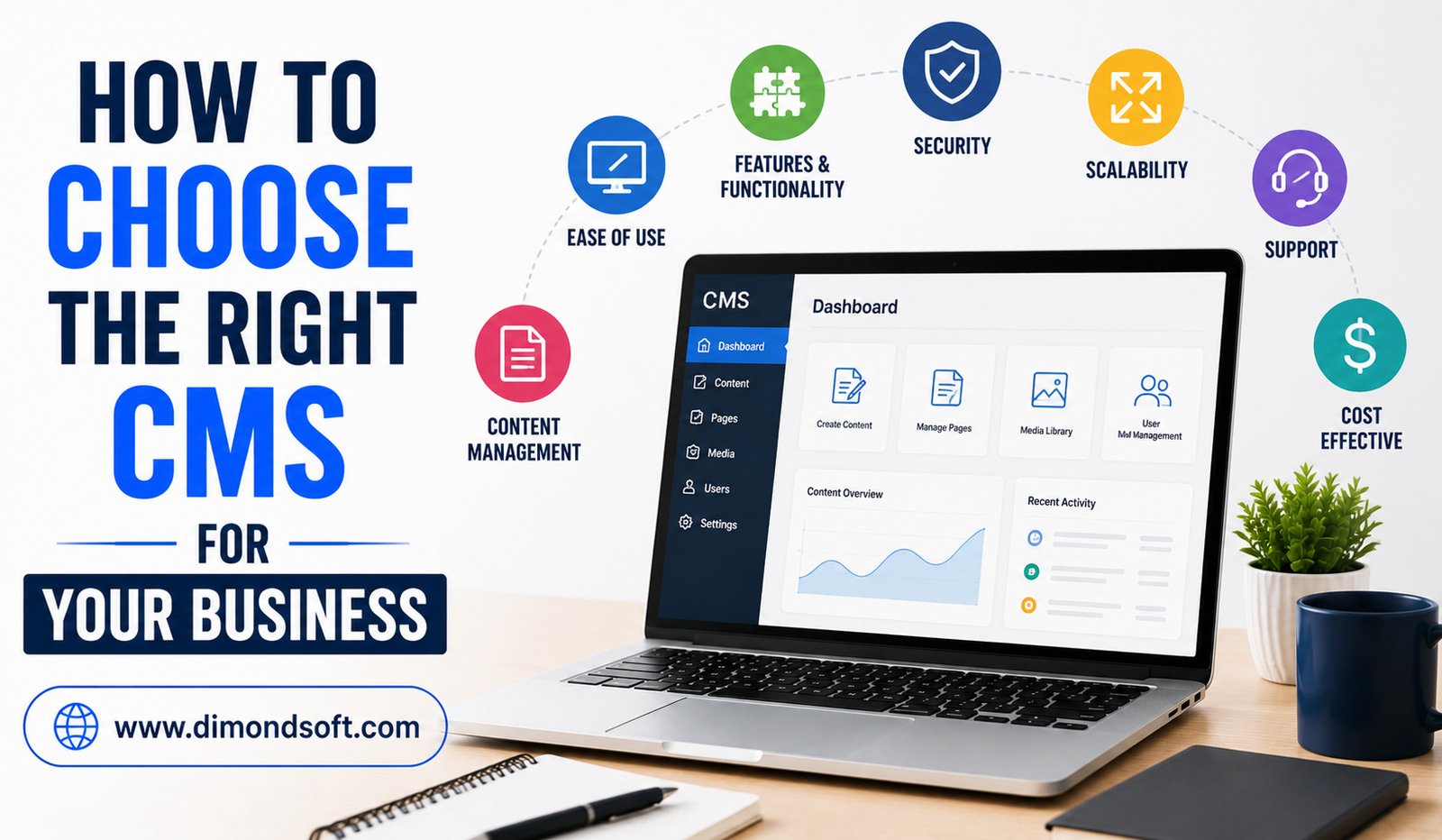
Rate each potential CMS on the factors that matter most to your business, such as ease of use, SEO, security, integrations, customization, cost, support, ecommerce, scalability, and AI functionality.
Assign greater importance to critical requirements.
For example, an ecommerce business may give more weight to product management and payment integrations, while a content-driven company may prioritize publishing workflows and SEO.
This makes the decision more objective and helps prevent attractive but unnecessary features from influencing the final choice.
Conclusion
Choosing the right CMS for your business requires more than comparing software features. You need to understand your business goals, content requirements, employees, customers, technical capabilities, budget, and future plans.
Start by identifying what your website needs to accomplish. Then evaluate ease of use, customization, SEO, performance, security, permissions, workflows, integrations, ecommerce capabilities, scalability, AI tools, support, and total ownership costs.
Most importantly, test potential platforms before committing. The right CMS should make everyday content management easier, not create another complicated system for your team to maintain.
A well-chosen CMS can become the foundation of your digital presence. It can help your team publish faster, keep information organized, improve customer experiences, and adapt as your business grows. Instead of selecting the platform with the longest feature list, choose the one that delivers the right combination of functionality, simplicity, control, and long-term value for your organization.