For small businesses, having a professional online presence is no longer optional. A website often serves as the first place customers learn about a company, explore its services, read helpful content, compare products, or make a purchase. But building and maintaining that website can become difficult when a business has limited technical expertise, staff, and budget.
This is where content management software can make a major difference. A content management system, or CMS, allows businesses to create, edit, organize, and publish website content without requiring advanced coding knowledge. Modern platforms can also provide tools for SEO, ecommerce, analytics, forms, marketing, and artificial intelligence.
In 2026, small businesses have more CMS choices than ever. WordPress, Wix, Squarespace, Shopify, and HubSpot are among the platforms commonly considered for different business needs. There is no universal winner because the right choice depends on the type of website, technical skills, budget, content strategy, and plans for future growth.
What Is Content Management Software?
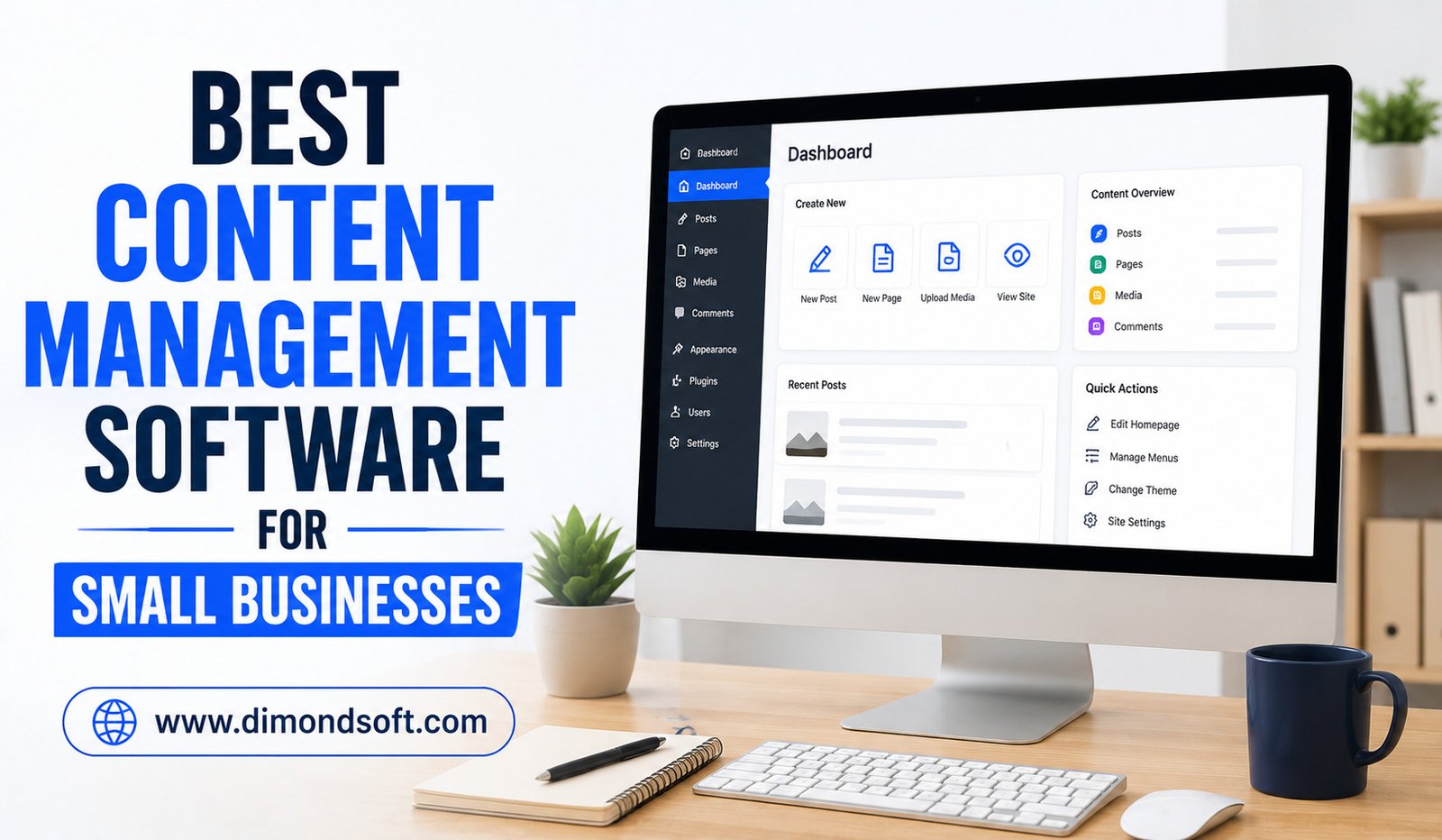
Content management software provides the tools needed to manage digital content on a website. Instead of creating every page from scratch with code, users can work through an administrative interface to add text, images, videos, blog posts, products, forms, and other content.
A modern CMS can do much more than publish articles. Depending on the platform, it may support search engine optimization, ecommerce, customer relationship management, analytics, email marketing, appointment booking, memberships, and integrations with other business applications.
For a small business, this can reduce dependence on developers for everyday website updates. Owners and employees can make many changes themselves, allowing the website to evolve as the business grows.
Why Small Businesses Need the Right CMS
Small businesses typically have different requirements from large enterprises. They may have one person managing the website alongside marketing, sales, or customer service responsibilities.
That means simplicity matters.
A platform with hundreds of advanced features may not be useful if employees find it confusing or difficult to maintain. At the same time, choosing a very basic CMS can create problems later if the company needs ecommerce, advanced SEO, integrations, or additional websites.
The best CMS should balance ease of use, functionality, affordability, and scalability.
Important factors include:
- Ease of website creation and editing
- SEO capabilities
- Mobile-friendly design
- Security and maintenance
- Ecommerce support when required
- Integrations with other business tools
- Analytics and reporting
- Templates and customization
- AI-powered features
- Overall cost of ownership
WordPress: Best for Flexibility and Customization
WordPress remains one of the most flexible options for small businesses. The open-source platform supports a large ecosystem of themes and plugins, allowing businesses to expand their websites as their needs change. Current guidance on small-business website management highlights its extensive plugin ecosystem and ability to support everything from standard business websites to ecommerce and booking functions.
One of WordPress’s biggest strengths is customization. A business can start with a relatively simple website and add functionality later.
For example, a company might initially publish service pages and a blog. As it grows, it can add an online store, appointment system, membership area, lead-generation tools, or other capabilities.
The trade-off is that WordPress usually requires more management than hosted website builders. Hosting, themes, plugins, updates, backups, and security need attention.
For businesses that want maximum flexibility and are comfortable with some technical maintenance, WordPress can be an excellent long-term option.
Wix: Best for Ease of Use
Wix is designed for businesses and individuals that want to create and manage websites without extensive technical knowledge. Its CMS combines website-building tools with business functionality and AI-powered features.
Its visual editing approach can make it appealing to small-business owners who want to make website changes themselves.
Wix can be suitable for service companies, local businesses, freelancers, consultants, restaurants, and other organizations that need a professional website without a complicated setup.
Another advantage is the ability to add business functionality as requirements grow. Depending on the plan and features selected, businesses can use tools for ecommerce, bookings, forms, marketing, and other activities.
The main consideration is long-term flexibility. Businesses with highly specialized technical requirements may eventually need capabilities that are easier to achieve with a more customizable CMS.
Squarespace: Best for Design-Focused Businesses
Squarespace is another popular choice for small businesses, particularly those that place a strong emphasis on visual presentation.
The platform is an all-in-one CMS and website builder with templates and tools for managing online content. Its current platform also includes ecommerce and other business-oriented capabilities.
Squarespace can work particularly well for photographers, designers, consultants, creative professionals, restaurants, and brands that want a polished website without managing a complicated technical environment.
Its simpler approach can also be useful for business owners who do not want to spend significant time managing plugins and technical configurations.
The potential limitation is customization. Compared with WordPress, businesses with highly specific functionality or extensive third-party integration requirements may find fewer options.
Shopify: Best for Ecommerce Businesses
For small businesses primarily focused on selling products online, Shopify deserves serious consideration.
Unlike a general-purpose CMS, Shopify is built around ecommerce. Its tools focus on product management, online stores, payments, orders, inventory, and customer transactions.
This makes it particularly useful for businesses where online sales are the central purpose of the website.
Shopify can reduce the need to assemble an ecommerce system from multiple independent tools. Businesses can start with a relatively focused online store and expand as product catalogs and sales volumes increase.
The platform may not be the most appropriate choice for a company that primarily needs a content-heavy website with only a small amount of ecommerce functionality.
For product-based businesses, however, its specialized approach can be a major advantage.
HubSpot CMS: Best for Marketing-Focused Businesses
HubSpot’s content management capabilities can be attractive to small businesses that want their website closely connected with marketing and customer relationship activities.
The platform combines CMS functionality with broader customer and marketing tools. Its current CMS features include tools such as drag-and-drop editing, SEO recommendations, and integration with customer data and marketing workflows.
This can be particularly valuable for companies that depend heavily on inbound marketing, lead generation, forms, landing pages, and customer relationship management.
The main consideration is cost and complexity. A business that only needs a simple informational website may not need such a broad platform.
Companies already using HubSpot for CRM or marketing may find greater value because website management can become part of the same ecosystem.
Comparing the Best CMS Options
The right platform depends heavily on business priorities.
WordPress is a strong choice for businesses that want extensive customization and a large ecosystem of extensions.
Wix is well suited to owners who prioritize ease of use and want to build and manage a website with minimal technical complexity.
Squarespace works well for businesses that value polished design and a straightforward website-building experience.
Shopify is particularly suitable for companies where ecommerce is the primary purpose of the website.
HubSpot CMS can be valuable for businesses that want website content closely connected to CRM, marketing, and lead-generation activities.
There is no single CMS that is best for every small business. Recent comparisons similarly emphasize that the right platform depends on technical comfort, website goals, ecommerce requirements, customization needs, and expected growth.
Important CMS Features for Small Businesses
A small business should look beyond attractive templates when evaluating content management software. The platform needs to support everyday operations and future growth.
Easy Content Editing
Employees should be able to update text, images, pages, and blog posts without constantly contacting a developer.
SEO Tools
Built-in SEO features can help businesses manage page titles, descriptions, URLs, headings, and other elements that support search visibility. A modern CMS should make basic optimization straightforward.
Mobile-Friendly Websites
Most businesses need websites that work properly across smartphones, tablets, and desktops. Responsive design should therefore be a standard consideration.
Security and Updates
Security cannot be ignored simply because a business is small. Platforms and extensions should be kept updated, and businesses should understand how backups, permissions, and security controls are handled.
Analytics
Website analytics help businesses understand where visitors come from, which pages they view, and what actions they take.
Integrations
A CMS should ideally connect with important tools such as email marketing platforms, CRM systems, payment services, analytics platforms, social media tools, and other business applications.
AI Features in Modern CMS Platforms
Artificial intelligence is becoming increasingly common in content management software. In 2026, AI features can assist with website creation, content generation, editing, SEO recommendations, personalization, and other tasks.
For a small business with limited marketing resources, these capabilities can reduce the time required to create and maintain content.
For example, AI might help generate a first draft for a service page or suggest improvements to existing copy. Some platforms are also incorporating AI into website creation itself, allowing users to describe the type of site they want and receive an initial structure.
However, AI should not eliminate human review. Businesses still need to verify information, maintain their brand voice, and ensure that published content is accurate and useful.
How Much Does a CMS Really Cost?
Price should not be evaluated only by looking at the monthly subscription.
For hosted platforms, businesses may pay a recurring subscription that includes hosting and certain features. Other systems may have separate costs for hosting, themes, plugins, security services, development, maintenance, and backups.
WordPress is a good example. The software itself is open source, but running a professional website involves hosting and potentially additional expenses for themes, plugins, maintenance, and development.
Small businesses should therefore calculate the total cost of ownership rather than choosing a platform solely because its initial price appears low.
Common Mistakes to Avoid
One common mistake is choosing software based entirely on appearance. A beautiful template cannot compensate for missing functionality.
Another mistake is selecting too many features. Small businesses sometimes pay for capabilities they rarely use.
Ignoring maintenance is another problem. A website requires regular updates, security attention, content improvements, and backups depending on the platform.
Businesses should also avoid assuming that changing CMS platforms will automatically improve SEO. Content quality, technical performance, user experience, search intent, and overall website strategy remain important regardless of the CMS.
Final Thoughts
The best content management software for a small business is the platform that fits its goals, budget, technical capabilities, and growth plans.
WordPress offers exceptional flexibility, Wix emphasizes ease of use, Squarespace focuses on streamlined design and management, Shopify specializes in ecommerce, and HubSpot combines content management with broader marketing and CRM capabilities.
Rather than choosing the platform with the longest feature list, small businesses should identify their most important requirements first. A simple website may not need an enterprise-level system, while a growing ecommerce or marketing-focused company may quickly outgrow a basic builder.
In 2026, modern CMS platforms are becoming more intelligent, with AI-assisted creation, optimization, and automation becoming increasingly common. The smartest choice is therefore not simply the cheapest or most popular option. It is the CMS that gives a small business the right balance of simplicity, functionality, control, and room to grow.