Managing documents becomes increasingly difficult as teams grow. Files can quickly spread across email attachments, personal computers, shared drives, cloud storage, messaging platforms, and project folders. Employees may spend valuable time searching for the correct document, checking whether a file is the latest version, or asking colleagues for access.
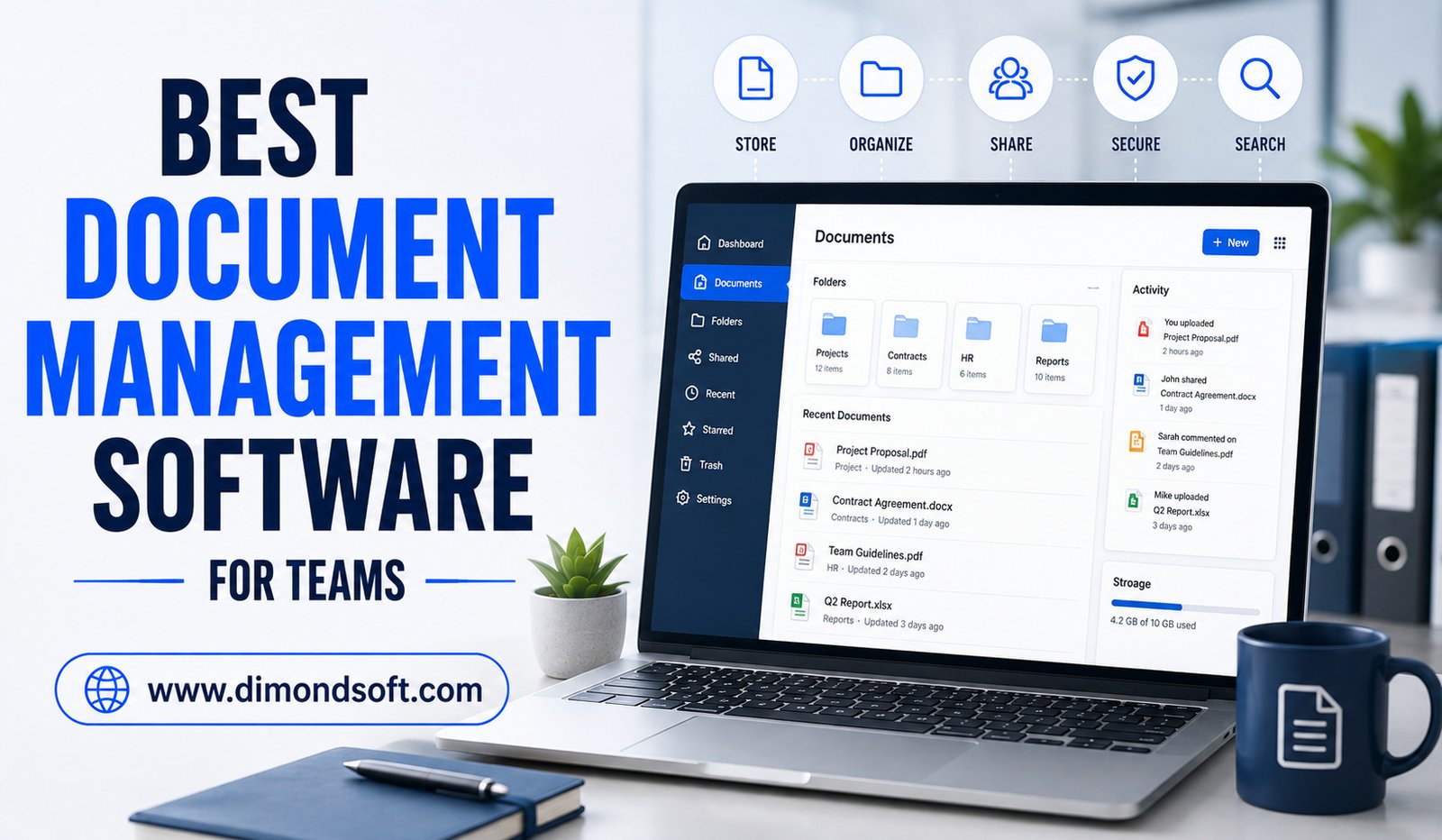
Document management software provides a centralized way to store, organize, share, secure, and manage business documents. Modern platforms go beyond simple cloud storage by offering version control, permissions, collaboration, workflow automation, search, approval processes, and increasingly, AI-powered features.
In 2026, teams have many options, including Microsoft SharePoint, Google Drive, Dropbox, Box, M-Files, and DocuWare. Each platform approaches document management differently, so the best choice depends on the size of the team, existing software ecosystem, security requirements, collaboration style, and type of documents being managed. Current comparisons similarly emphasize that document management needs vary significantly between collaborative teams, enterprises, regulated organizations, and businesses with workflow-heavy operations.
What Is Document Management Software?
Document management software is a digital system that helps organizations store, organize, access, share, and control documents.
A basic cloud storage service may allow employees to upload and download files. A more advanced document management platform adds capabilities such as version history, access permissions, document approval, metadata, audit trails, automated workflows, retention policies, and advanced search.
For teams, these features can solve common problems associated with unmanaged files. Employees no longer need to rely on individual folders or email attachments to find important information.
A centralized document environment also creates greater consistency because team members can work with the same source of information.
Why Teams Need Document Management Software
As teams become larger or more distributed, document organization becomes increasingly important. A file that is easy for one employee to locate may be difficult for another person to find.
This becomes even more challenging when employees work remotely or collaborate with external clients, contractors, and partners.
A good document management system gives teams a structured place to keep important files. It can also control who can view, edit, download, or share specific documents.
The result is a more organized workflow in which employees spend less time searching for information and more time completing productive work.
Microsoft SharePoint: Best for Microsoft-Centered Teams
Microsoft SharePoint is one of the strongest options for organizations already using Microsoft 365. It combines document libraries, collaboration, permissions, workflows, and integration with Microsoft’s broader productivity ecosystem.
Its major advantage is integration. Teams already using applications such as Microsoft Teams, Word, Excel, and other Microsoft services can create connected document workflows rather than managing files separately.
SharePoint is particularly useful for larger organizations that need structured document libraries and detailed access controls. Current 2026 comparisons frequently position it as a strong choice for Microsoft-centric businesses requiring governed collaboration and document management. However, SharePoint can require more planning and administration than simpler cloud storage tools. Teams should establish a sensible information architecture before moving large numbers of documents into the platform.
Google Drive: Best for Real-Time Collaboration
Google Drive is a strong choice for teams that prioritize simplicity and real-time collaboration. Its integration with Google Workspace allows employees to create, edit, share, and collaborate on documents without constantly exchanging file attachments.
Multiple users can work on documents simultaneously, add comments, and track changes. This makes Google Drive particularly attractive to remote teams and businesses already using Google Workspace.
Google Drive also benefits from integration with a broad ecosystem of third-party applications. Recent document-management comparisons highlight its intuitive interface and collaborative editing capabilities while noting that teams with more advanced document governance requirements may need additional tools.
For teams looking for straightforward collaboration rather than complex document governance, Google Drive can be an effective solution.
Dropbox: Best for Simple File Sharing and Synchronization
Dropbox has long been associated with cloud file storage and synchronization. Its simplicity makes it appealing to teams that need reliable access to files across multiple devices.
Teams can store documents centrally, synchronize files, share folders, and collaborate with internal and external users.
Dropbox has also expanded beyond basic storage. Its newer AI-powered Dash capabilities can search across connected work applications and help users find, summarize, and understand workplace information while respecting existing permissions.
This makes Dropbox worth considering for teams that want straightforward file management combined with newer intelligent search capabilities.
Box: Best for Secure Business Collaboration
Box focuses heavily on business content management, collaboration, security, and controlled file sharing.
It can be useful for organizations that frequently exchange documents with clients, vendors, partners, or other external stakeholders.
Advanced permissions, governance, and content-management capabilities can make Box suitable for organizations that need more control than basic cloud storage provides.
Current comparisons often highlight Box for secure external sharing and businesses that need stronger governance around their content.
Teams should evaluate the specific security and compliance capabilities required by their industry before selecting any platform.
M-Files: Best for Metadata-Driven Document Management
M-Files takes a different approach from traditional folder-based systems. Instead of relying primarily on where a document is stored, it emphasizes metadata and information context.
This can be useful for organizations managing large document libraries where finding the correct information is more important than remembering its folder location.
M-Files can also support document workflows, version management, and compliance-oriented processes.
It may be particularly suitable for professional services and regulated environments where organizations need stronger document control and structured information management. Current 2026 comparisons frequently identify M-Files as an option for compliance-heavy teams.
DocuWare: Best for Workflow Automation
DocuWare is designed for organizations that want to connect document management with business processes.
Instead of simply storing files, businesses can use document workflows to route information for review, approval, processing, or archiving.
This approach can be valuable for finance, administration, human resources, and other departments where documents regularly move through predefined processes.
For example, an invoice can enter a digital workflow, reach the appropriate employee for approval, and then move to the next stage without requiring physical paperwork.
Organizations with repetitive, document-heavy processes may benefit more from workflow-focused software than from a simple cloud storage platform.
Features Teams Should Look For
Choosing document management software requires more than comparing storage capacity. Teams should consider how the system will fit into everyday workflows.
Important features include:
- Version control: Keeps previous versions available and helps prevent teams from working on outdated files.
- Permission management: Controls who can view, edit, download, or share specific documents.
- Advanced search: Helps users locate files using keywords, metadata, document types, or other criteria.
- Collaboration: Allows multiple users to review, comment on, and work with documents.
- Workflow automation: Moves documents through approval and processing stages automatically.
- Audit trails: Records important activities such as document changes, access, and approvals.
- Mobile access: Allows employees to work with files while away from their desks.
- Integration: Connects document management with productivity, accounting, CRM, communication, and project-management tools.
The importance of each feature depends on the organization. A small creative team may prioritize collaboration, while a regulated business may place greater emphasis on permissions, retention, and auditability.
Version Control Prevents Costly Mistakes
One of the biggest problems with unmanaged documents is version confusion.
Employees may have files named “final,” “final-new,” or “final-updated,” with no clear indication of which document should actually be used.
Version control solves this problem by maintaining a history of document changes. Team members can identify the latest version and, when necessary, review earlier versions.
This is especially important for contracts, proposals, technical documents, financial reports, policies, and project files.
Good version control can prevent teams from making decisions based on outdated information.
Better Security and Access Control
Business documents can contain confidential financial information, customer records, contracts, intellectual property, and internal strategies.
A document management platform should therefore provide appropriate access controls.
Teams should be able to determine who has access to sensitive information and what those users can do with it.
Organizations should also consider authentication, encryption, backup policies, activity monitoring, and data-retention capabilities.
Security should be evaluated according to the company’s actual requirements rather than assuming that every cloud platform offers the same level of protection.
AI Is Changing Document Management
Artificial intelligence is becoming an important part of modern document management.
AI can help users find information, summarize documents, identify relevant files, extract data, classify content, and answer questions about stored information.
For example, instead of opening several documents to find a particular detail, an employee may be able to ask a natural-language question and receive an answer based on accessible company information.
Dropbox’s 2026 documentation describes Dash as providing universal search and AI-powered capabilities for finding, summarizing, analyzing, and organizing workplace content.
However, AI features should be evaluated carefully. Businesses need to understand how sensitive information is processed and ensure that AI systems respect existing access permissions.
Cloud vs. Traditional File Servers
Traditional file servers can still work for some organizations, but they often require more infrastructure and maintenance.
Cloud document management provides access from different locations and devices, making it especially useful for distributed teams.
Cloud systems can also simplify collaboration because employees can work with shared documents without relying on a physical office network.
However, businesses should consider internet availability, vendor reliability, backup strategies, security, and data-residency requirements before moving important documents to the cloud.
How to Choose the Best Software
The best document management software is the one that solves the team’s actual problems.
A business already using Microsoft 365 may find SharePoint the most practical choice. A Google Workspace team may prefer Google Drive because of its natural integration with existing workflows.
A company focused on external file sharing could consider Box or Dropbox, while organizations with complex document control or compliance requirements may benefit from platforms such as M-Files or DocuWare.
Before making a decision, teams should identify where document management currently fails. Are employees struggling to find files? Are outdated versions causing problems? Are approvals taking too long? Are permissions difficult to control?
The answers should guide the software selection.
Common Mistakes to Avoid
Buying software without establishing document-management rules is a common mistake. Even the best platform can become disorganized if employees use inconsistent naming conventions and storage practices.
Another mistake is creating overly complicated permission structures. Access controls should protect sensitive information without making everyday collaboration unnecessarily difficult.
Teams should also provide training before expecting employees to adopt a new system.
Finally, companies should avoid migrating every old file without reviewing whether those documents are still necessary. Cleaning outdated information before migration can create a much more manageable digital environment.
Conclusion
The best document management software for teams depends on how an organization works, what types of documents it manages, and how much control it needs.
Microsoft SharePoint is a strong choice for Microsoft 365 environments, Google Drive excels at straightforward collaboration, Dropbox provides convenient synchronization and sharing, Box offers strong business-focused content management, M-Files emphasizes intelligent metadata-driven organization, and DocuWare is well suited to document-heavy workflows.
The right platform should make information easier to find, protect important documents, reduce duplication, improve collaboration, and support efficient workflows.
As AI becomes increasingly integrated into document management, teams can also expect smarter search, automated organization, document summarization, and more intelligent workflows. But technology alone does not create an organized document environment. Clear processes, sensible permissions, employee training, and consistent management practices remain essential.
For teams willing to combine the right software with good document-management practices, digital document management can reduce wasted time, improve collaboration, strengthen information security, and create a more efficient workplace.